
Loading...
What's new

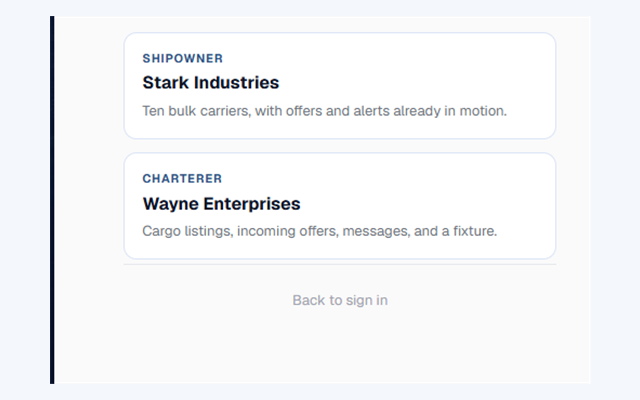
Sign-in
v0.7.27
Demo sign-in opens each desk so you can walk the product without creating an account.

Ports
v0.7.26
The list around a port keeps bulk carriers expanded and collapses the other ships.
Map
v0.7.25
The signed-in map keeps the same filters in a tighter control.
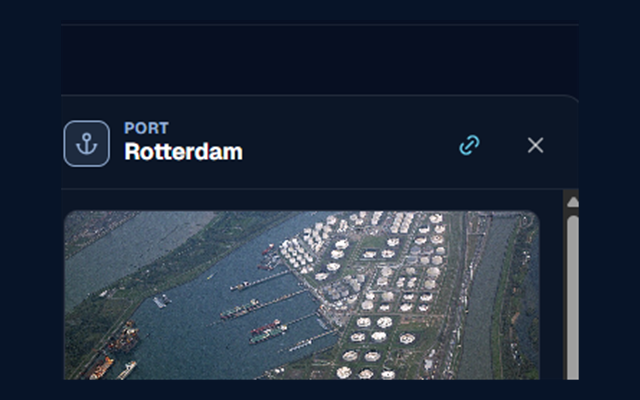
Share
v0.7.25
A link can open a port, a cargo, a ship, or an offer directly.
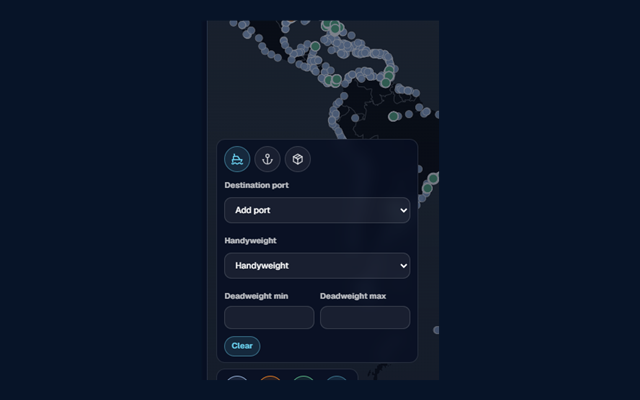
Map
v0.7.24
Ships, ports, and cargo can be filtered by their properties.
Ports
v0.7.24
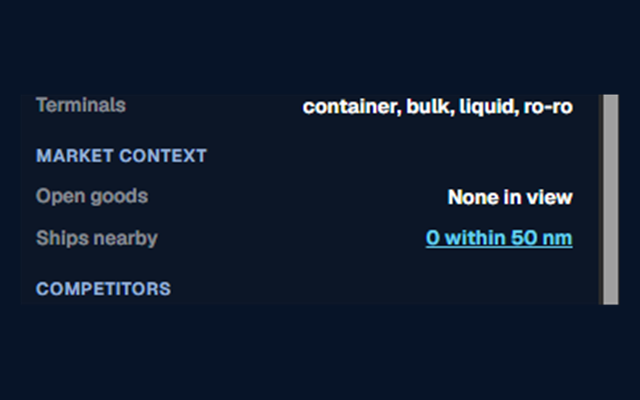
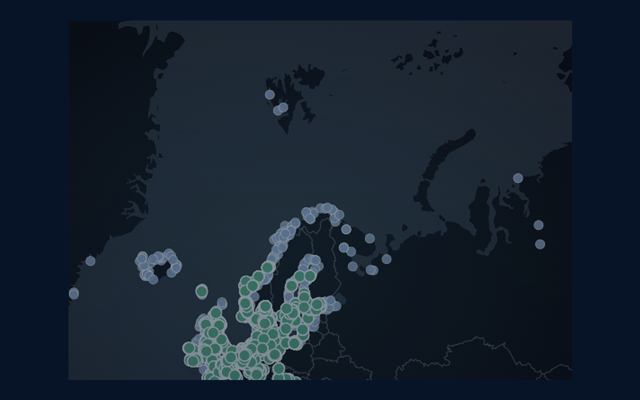
The port map shows ships that are within 50 nautical miles.
Ports
v0.7.23
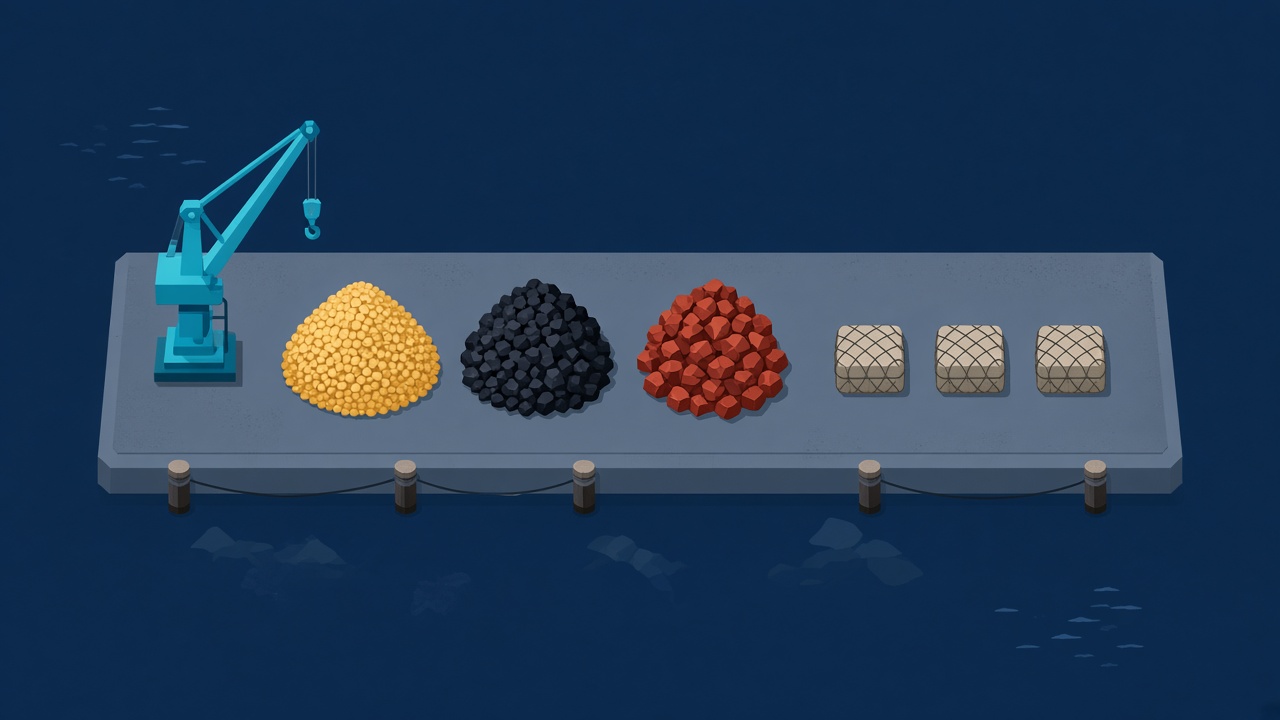
A port card shows the goods that move through it most often, month by month.

Ports
v0.7.22
A port shows the ships you can expect, separate from its frequent goods.
Ports
v0.7.20
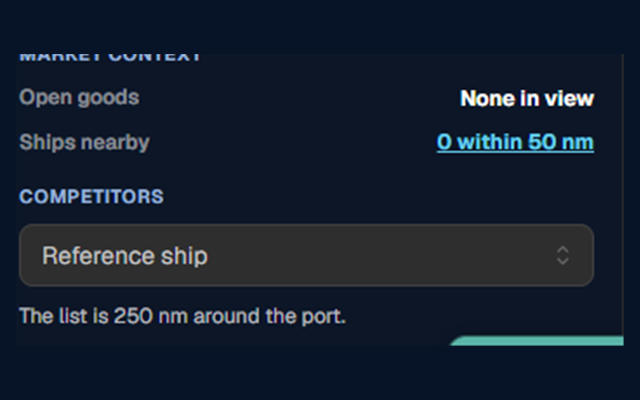
A port lists the bulk ships that are competing nearby.
Search
v0.7.19
The header search opens a port, a ship, or goods.
Ports
v0.7.17
A port shows the goods that move through it most often, as an amount each month.
Cargo
v0.7.17
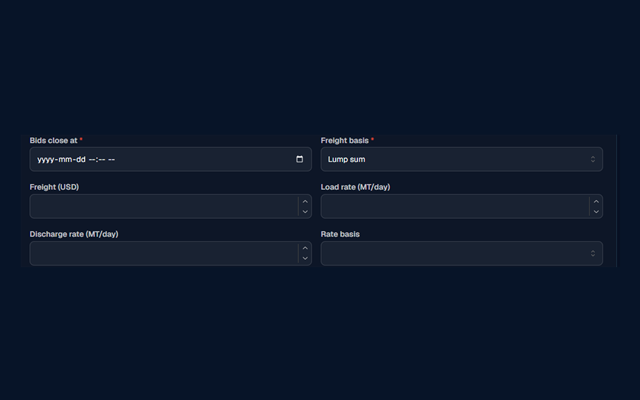
Publishing goods collects laytime, explains the terms, and shows the total per metric ton.
Cargo
v0.7.16
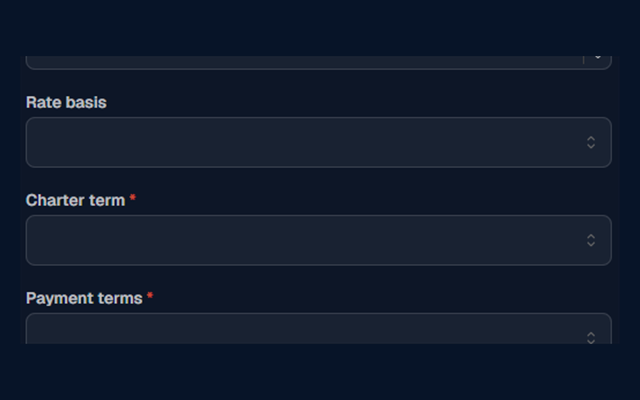
Publishing goods collects the charter terms and how the freight will be paid.
Search
v0.7.11
Public pages now carry their own title, description, and share image.
Market
v0.7.9
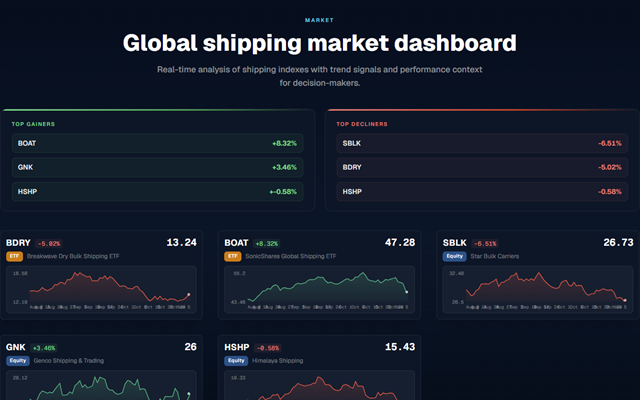
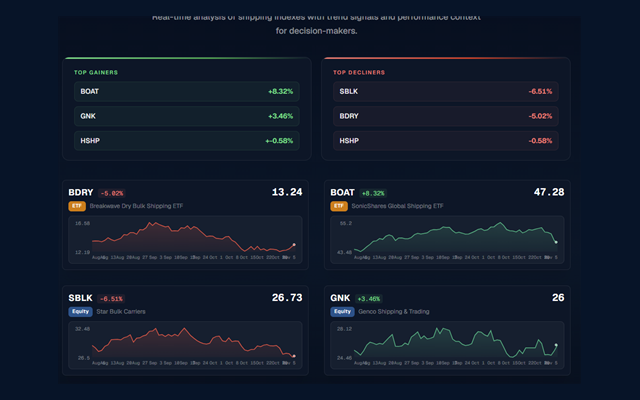
The market board shows live quotes, the Baltic Dry Index, and BDRY, laid out as sparklines.
Contact
v0.7.8
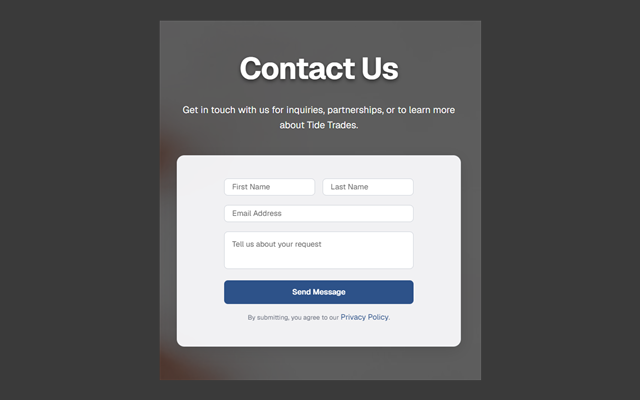
A message sent from the contact form is stored.
Navigation
v0.7.7
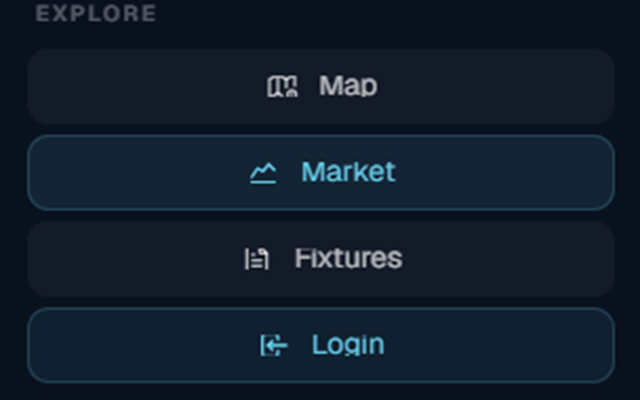
Page addresses and navigation labels follow the same names.
Fixtures
v0.7.5
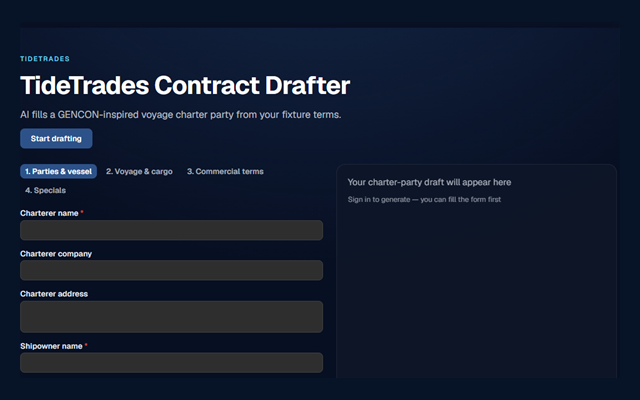
Fixtures include a contract drafter and profile identity fields.
Cargo
v0.7.4
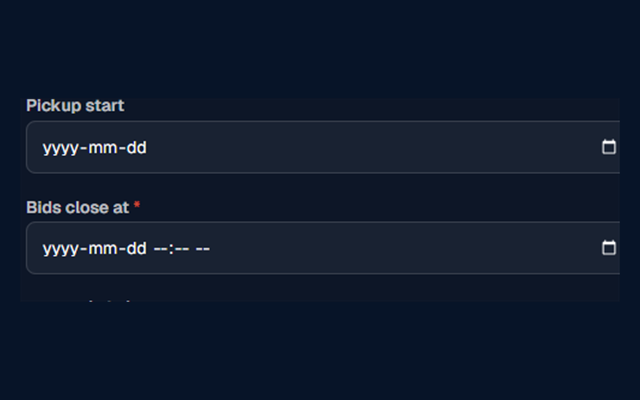
A goods listing can receive bids, and the parties are notified.
Desk
v0.7.1
Sign in to a desk for fleet, goods, and offers. Ports show a photo and a type, open cargo is ranked by the ship's destination, and the dashboard leads with the map.
About
v0.7.0
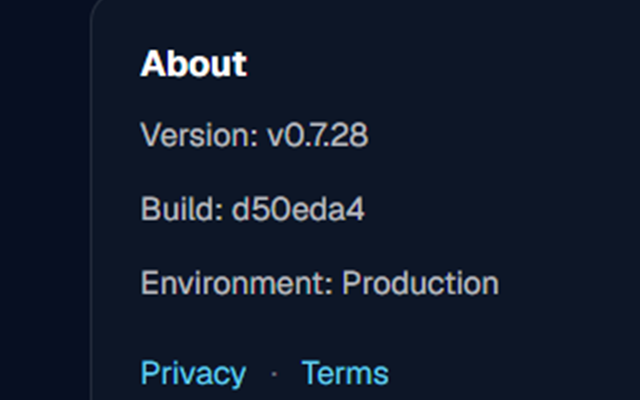
Settings, About shows the app version, the build, and the environment.